Sensor Package
Purpose
In order to understand to control the different states and locations of the robot as it goes through gameplay, we use sensors to monitor it. The methods necessary to use the sensors will be provided by their libraries, but we make our own classes for them to better fit our needs. Like Subsystems, each of these classes should be declared as static variables within the Robot class, and instantiated within RobotInit(). Sensors we have used in the past include limitswitches, potentiometers, gyroscopes, ultrasonics, and encoders
Limitswitches
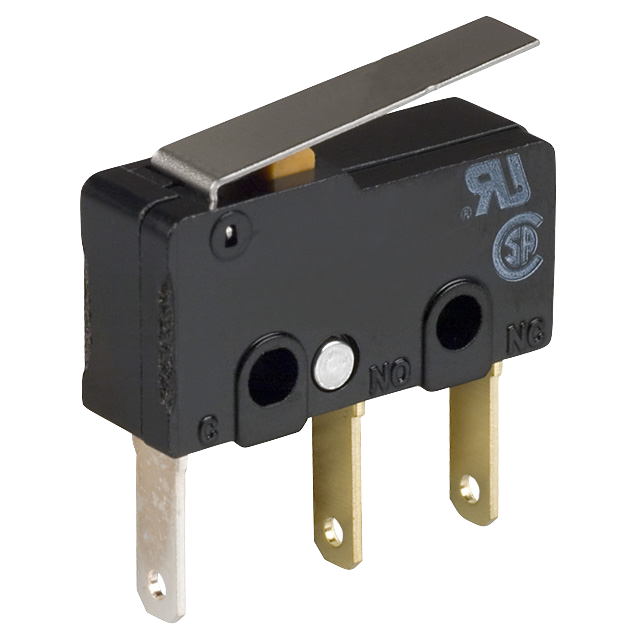
A limitswitch is basically a button. Its output will either be true or false, depending on whether or not it is pushed. We generally will have multiple limitswitches on a robot (E.X. one to determine if a gripper has a ball and one to determine if robot arm is all the way down) and after making each sensor in RobotMap, we can create a seperate LimitSwitch class in the sensors package which has methods specific to the purpose to the limitswitches (E.X. isBallIn(), isArmDown()). This way we only need to call one object, an instance of our LimitSwitch class, to determine the states of the robot.
NavX
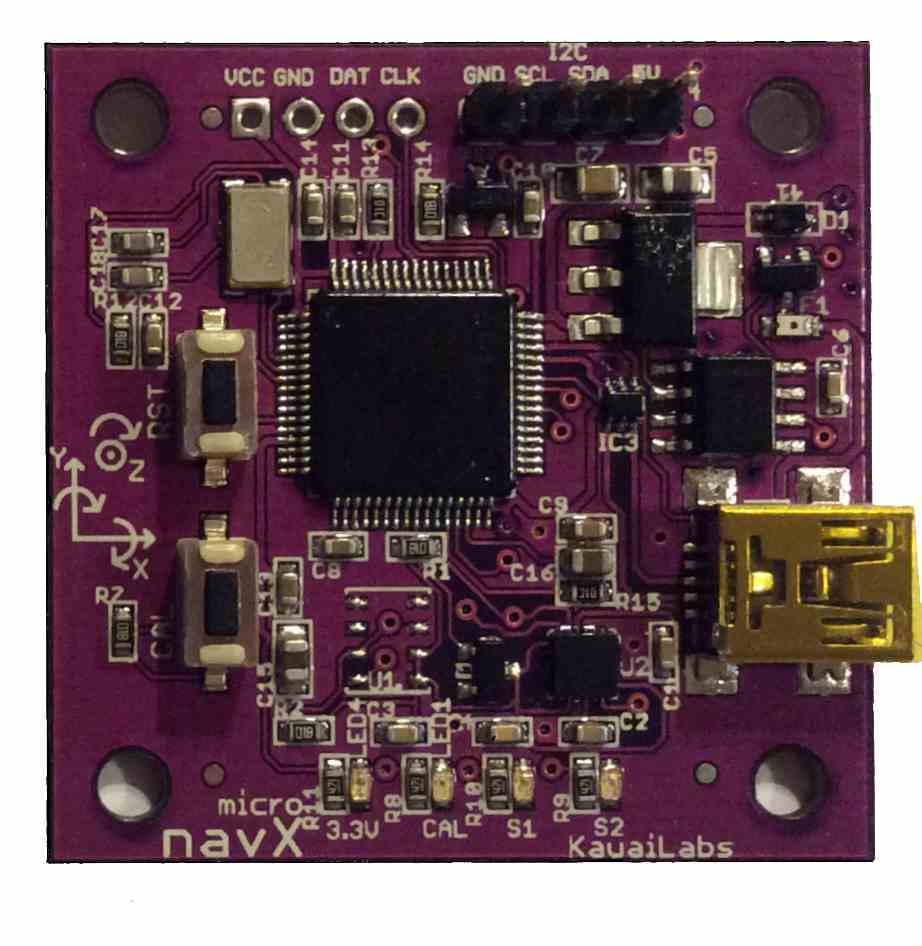
We use a sensor called the NavX which is basically a gyroscope. The library for
this sensor needs to be added to the project (Instructions can be found in my description
of RobotMap). The given class for the sensor is called AHRS,
but we create our own class called NavX using the AHRS object instantiated in RobotMap.
Depending on the orientation of the NavX on the robot, getting the angle which the
robot is directed at may be either be from the getPitch(), getYaw(), or getRoll() method. After
determing which method we want to use, we can create a method call getAngle() in our NavX
class which just returns the desired value.
For Example, if the NavX was on the robot in such a way that getYaw() was returning the angle
the robot would face after turning, our code in the NavX class would be:
public double getAngle() {
Due to this, we don't have to remember which method to use and just call getAngle() on an instance of our
NavX class.
return RobotMap.ahrs.getYaw();
}
One thing to note, the NavX may not be giving proper values at first try, before testing, be sure to
follow the instructions
here under the
Factory Calibration instructions.
Encoders
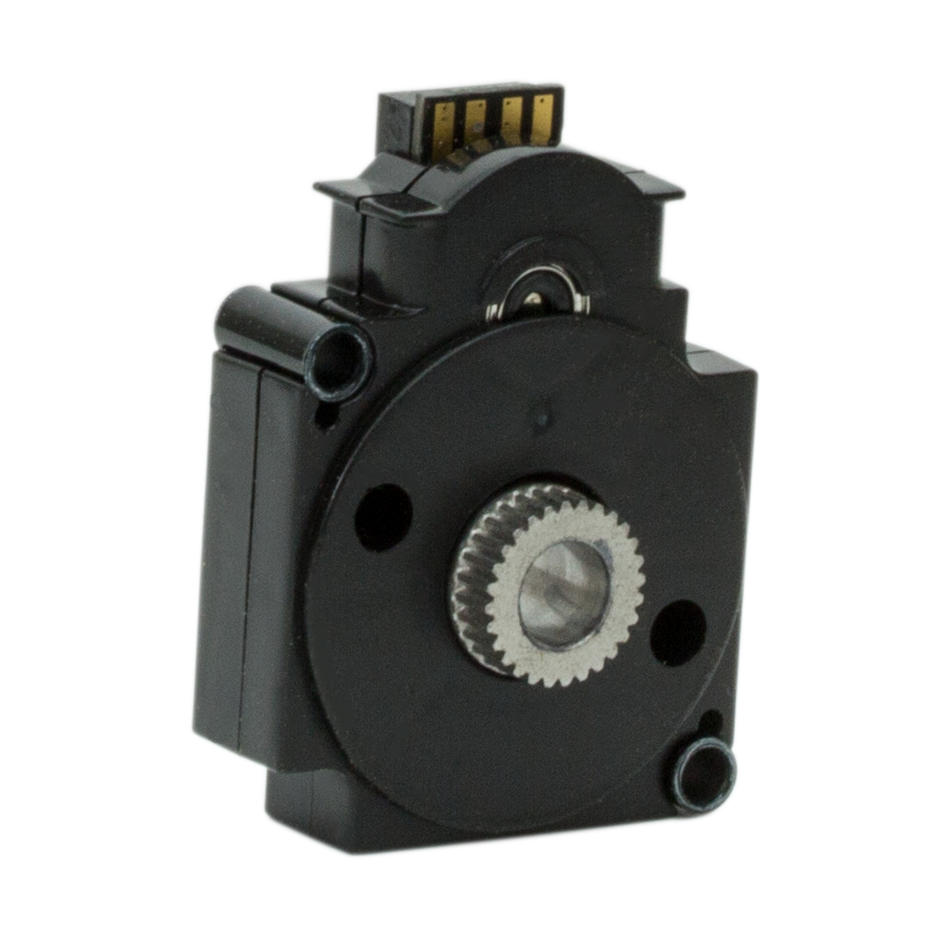
For encoders, it is not totally necessary to create a seperate class
specifally for them because they are generally attached to Talons and the
WPI_TalonSRX class has methods to directly get each talon's encoder value.
For example, in RobotMap, to configure an encoder on the left front wheel, the
code would be:
lFrontDrive.configSelectedFeedbackSensor(FeedbackDevice.QuadEncoder,0,100);
And then whenever the encoder value of that particular talon would be necessary, the code
would be:
RobotMap.lFrontDrive.getSelectedSensorPosition(0)
Another important method is reseting the encoder value:
RobotMap.lFrontDrive.setSelectedSensorPosition(0);